

Ever have one of those days when your swing just feels off, even though you're giving it everything you’ve got? It’s like watching a replay of your shot and spotting tiny slips you didn’t catch at first. Video analysis gives you that instant, clear view of your form so you can spot and fix mistakes right away. Research even shows learning improvements of up to 65%, which means fewer strokes and more confidence for you on the course. In short, reviewing your swing on video can really take your game to the next level.
How Video Analysis Drives Golf Swing Improvement
Video analysis is a real game changer, no matter if you're a beginner or a seasoned pro. Research shows that watching your swing on video can boost your learning speed and memory by 65%. That means you can improve your swing faster than ever. Recording your swing gives you a clear, unbiased playbook of your form, no guesswork from live coaching.
Watching your swing in slow motion is like seeing the game from a secret angle. It lets you catch tiny mistakes, such as a slight misalignment in your club or a weight shift that’s just off. Believe it or not, one golfer cut his score by 5 strokes simply by fixing his swing phase and posture. It goes to show how powerful a close look at your swing can be.
These video recordings offer instant feedback so you can stop bad habits before they become bigger issues, like injuries. If you notice you often swing on the wrong path, slow-motion reviews help you pinpoint and fix the mistake while it's still fresh in your memory. This not only sharpens your mechanics but also helps keep you safe on the course.
Keep tracking your progress with regular video breakdowns and you'll see clear improvements over time. Whether you’re aiming to lower your score or just love the process of perfecting your game, video analysis gives you simple, actionable tips that truly work.
Essential Equipment and Filming Techniques for Golf Swing Video Analysis

If you want to break down your swing, using your modern smartphone or tablet is a great idea. They record HD video that catches every high-speed detail. Just remember to set up a solid tripod or mount to avoid any shaky footage.
Try recording from two different angles for a full picture of your swing. A face-on view shows your overall form and alignment, while the down-the-line shot lets you check the path of your swing, the clubface position, and your alignment. For instance, set your phone in landscape mode against a simple background to catch every nuance.
Good lighting makes all the difference. Natural light brings out every detail and cuts down on shadows that might hide important technical points. Stick to a regular spot, like your favorite driving range or practice green, so you can easily compare videos and track your progress over time.
Here’s a quick checklist for reliable footage:
| Tip | What to Do |
|---|---|
| Smart Device | Use a modern smartphone or tablet in HD mode. |
| Stability | Set up on a sturdy tripod or mount for a steady shot. |
| Orientation | Film in landscape mode against a clean background. |
| Angles | Capture both face-on and down-the-line views. |
| Lighting | Opt for natural light to keep your footage clear. |
Software and Tools for Detailed Swing Mechanics Refinement
Digital coaching tools give you a real boost when you’re fine-tuning your swing. Modern software lets you watch your shot in slow motion, overlay simple guides, and even measure angles to see every detail of your club’s impact. Imagine watching your swing and spotting a small misalignment on your clubface, that tiny shift can instantly make a big difference.
A favorite among golfers is the Coachly app. It allows you to adjust video resolution, set frames per second, add recording delays, and even capture live video. You can literally break down your swing frame by frame to check your weight shift and rhythm. Ever notice that one small imbalance? This tool helps you pick it up right then and there.
Performance tracking is another smart feature. It shows clear metrics like your clubface angle and body rotation so you can see how each shot changes. Plus, interactive drills based on these numbers help you fix what’s off, if your wrist hinge isn’t consistent, the software lets you know so you can work on it.
In short, digital coaching tools offer quick, clear feedback while backing up your long-term progress. They turn your video recordings into a detailed map for improvement, meaning small tweaks today lead to big gains tomorrow.
Step-by-Step Guide to Conducting a Frame-by-Frame Golf Swing Evaluation

Start by capturing your swing on a quality device. Once you have the video, import it into your editing software and trim out the extra parts. For example, you might record an entire practice session and then pick just the swings that really show your best form.
Next, adjust the video’s brightness and contrast. This helps you see key details like your body rotation and club path clearly. It's a bit like tuning a radio so every note of your favorite song comes through sharply.
Break your swing into simple parts: the backswing, transition, downswing, impact, and follow-through. Analyzing each phase lets you spot small tweaks needed. For instance, while watching the transition, you might spot a tiny delay in your torso turn that could be throwing off your shot.
Then, use the frame-by-frame controls to zoom in on every detail. Watch closely for your swing path, torso movement, and wrist hinge. Even a slight misalignment can change the accuracy of your shot. Think of it like pausing a replay to catch that crucial moment.
Finally, check your swing’s tempo and rhythm by comparing several swings side by side. Consistency is key, steady timing makes for a solid swing. Look for any differences across your swings to identify where you can improve.
• Import and trim footage
• Adjust video settings
• Break down the swing into phases
• Check tempo and rhythm
• Look for consistency
Following these steps turns your videos into a powerful tool to help fine-tune your swing and boost your game.
Interpreting Video Feedback: Error Detection and Correction Techniques
Watching your swing on video is like having a front-row seat to the action. It shows you simple things like stretching too far, standing too wide, or shifting your weight oddly, mistakes that could even lead to injury. When you watch, check for signs of imbalance. For instance, if your shoulders are swinging too much, that’s a clear hint to steady them.
Try using on-screen guides to mark where your body should line up. These guides help you fix your stance and set the right speed for your swing. You might hear advice like, "Set your feet shoulder-width apart for better balance and control. A few small tweaks can really boost your game."
Make it a habit to review several swings. Notice if the same mistake keeps happening. If you see that your weight shift is off or your follow-through seems rushed, let that guide you. Visual cues on the video show you the perfect path to follow.
In short, using video feedback turns small errors into smart drills, helping you correct bad habits and steadily improve your swing.
Integrating Video Analysis into Your Golf Training Regimen
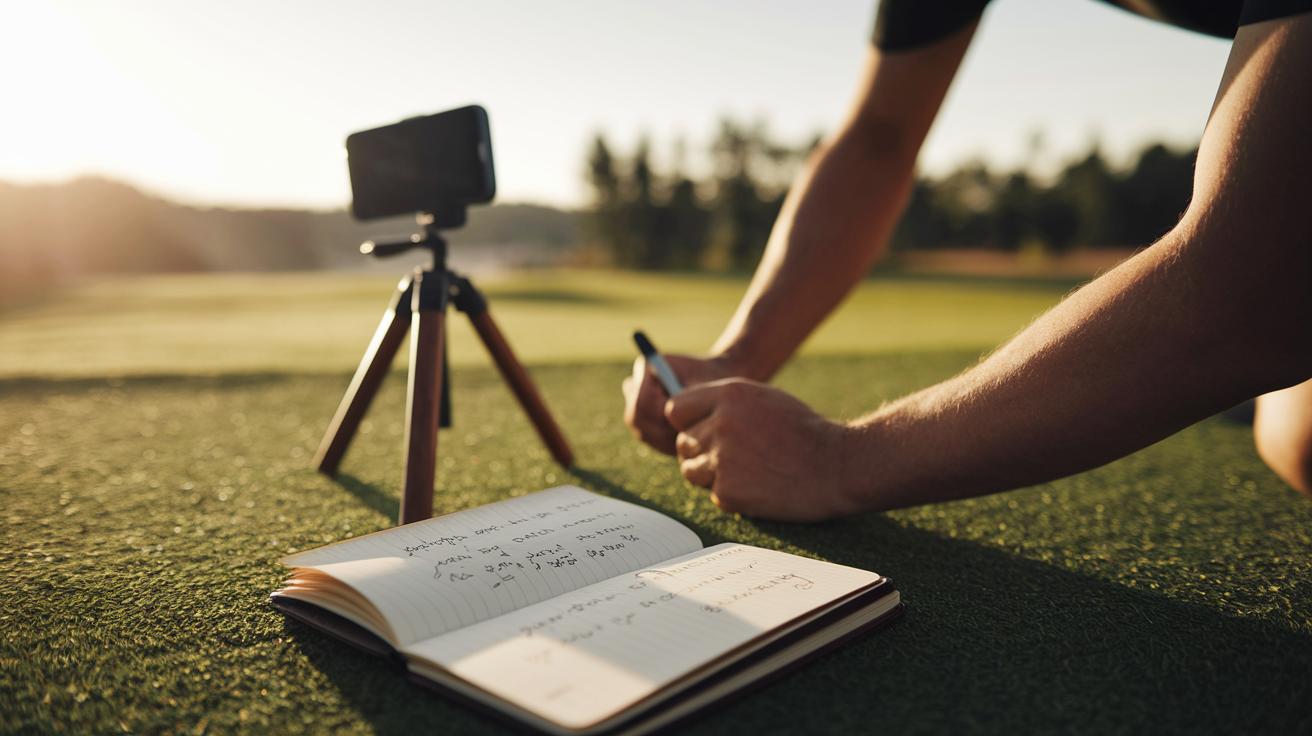
Make video analysis a regular part of your practice. Every week, take a moment to record your swings so you can see the little improvements and spot areas that need work. It’s like adding a snapshot to your visual diary of progress.
Keep a log of each session with notes on key details like swing tempo (how quickly you swing), alignment (how your body lines up) and follow-through (the finish of your swing). Over time, this diary becomes your go-to record for how much you've improved and helps you set clear goals.
Share your best clips with your coach for a second set of eyes. They’ll offer advice and suggest simple drills that can smooth out your swings. It’s a quick way to get personal tips, even if you’re not in the same room.
Try using a mobile app for swing analysis too. Apps like the one on GolfMarkets.com give you instant insights and drill ideas so you can always stay on top of your game, even during a relaxed round.
| Tip | Description |
|---|---|
| Record and Compare Swings | Capture your swings and watch your progress over time. |
| Document Improvements | Note key metrics like tempo, alignment, and follow-through. |
| Remote Coaching | Send your best clips to your coach for tailored advice. |
| Mobile Apps | Use on-the-go tools to get instant feedback and drill ideas. |
Case Studies and Success Stories in Golf Swing Video Analysis
Golfers who use video feedback are seeing clear, measurable gains. For instance, Player A improved his transition posture (how your body shifts during your swing) and dropped his handicap by 5 strokes. Meanwhile, Player B worked on his weight-shift (the movement of transferring weight during a swing) and brought his scores down from the high 80s to the low 80s. Stu B. even noted that his solid shots now outnumber his mistakes.
Going through each swing frame by frame helps spot tiny missteps in the setup, transition, and follow-through (the ending part of the swing). Pro golfer Eric J. Mac Donald, PGA, says that these small, steady tweaks eventually add up to big improvements.
| Player | Starting Handicap | Improvement | Focus Area |
|---|---|---|---|
| A | 15 | -5 strokes | Transition posture |
| B | 88 | -8 strokes | Weight shift |
| Stu B. | 12 | More confidence | Consistent follow-through |
Final Words
In the action throughout the post, we broke down the power of video analysis for golf swing improvement. Every section drove home how recorded swings expose hidden errors and boost confidence at the range. We explored gear tips, step-by-step evaluation, and even real success stories that show tangible score gains. It’s refreshing to see how a quick review and smart fixes can turn practice into progress. Embrace video feedback and watch your swing evolve, each adjustment makes the game even more enjoyable!
FAQ
Q: What benefits does online video analysis for golf swing improvement provide, including free options?
A: Online video analysis for golf swing improvement offers visual feedback by breaking down your swing in slow motion, helping you spot and fix flaws. Some tools are free, making it accessible and cost-effective.
Q: How does using a golf swing analysis app improve my game, including free versions?
A: A golf swing analysis app helps you review your swing in detail, showing key motion phases and errors so you can correct them. Free versions offer basic feedback while premium apps add in-depth analysis.
Q: How can I find a golf swing analysis service near me?
A: Finding a local golf swing analysis service is as simple as searching online or checking with nearby golf academies. Local experts use video capture to provide personalized swing improvements.
Q: What is a golf swing analyzer and how does it work?
A: A golf swing analyzer records your swing through video or sensors, measuring club path, rotation, and speed. This precise feedback helps you identify and improve specific areas in your technique.
Q: What is Onform Golf and how does it help golfers?
A: Onform Golf is a digital platform that uses video recordings to offer immediate feedback on your swing. It simplifies complex data by highlighting areas that need work, making your training more focused.
Q: What is the best AI golf swing analyser?
A: The best AI golf swing analyser uses smart algorithms to review your swing footage, identify errors, and suggest corrective drills. This advanced tool helps improve your form with clear, actionable feedback.
Q: What does the 80/20 rule in golf mean?
A: The 80/20 rule in golf means that most of your performance gains come from focusing on a few key aspects of your swing. Concentrating on those areas can lead to big improvements in your game.
Q: How much does a golf swing analysis cost?
A: Golf swing analysis costs vary from free app-based reviews to premium sessions that may run several hundred dollars, depending on the level of detail and personalized coaching you need.
Q: What is V1 Golf and how does it aid swing improvement?
A: V1 Golf is a widely used swing analysis tool that lets golfers record, review in slow motion, and compare swings. It’s designed to share feedback with coaches so you can track your progress easily.
Q: How do tools like Swing Profile Golf Analyzer, Golfshot, GolfFix, Shot Tracer, and Hole19 assist my swing analysis?
A: Tools such as Swing Profile Golf Analyzer, Golfshot, GolfFix, Shot Tracer, and Hole19 offer video breakdowns and data tracking. They help you pinpoint swing issues and make adjustments for a more refined technique.